Local AI storage, explained.
Practical guides for developers running AI models locally on Mac.
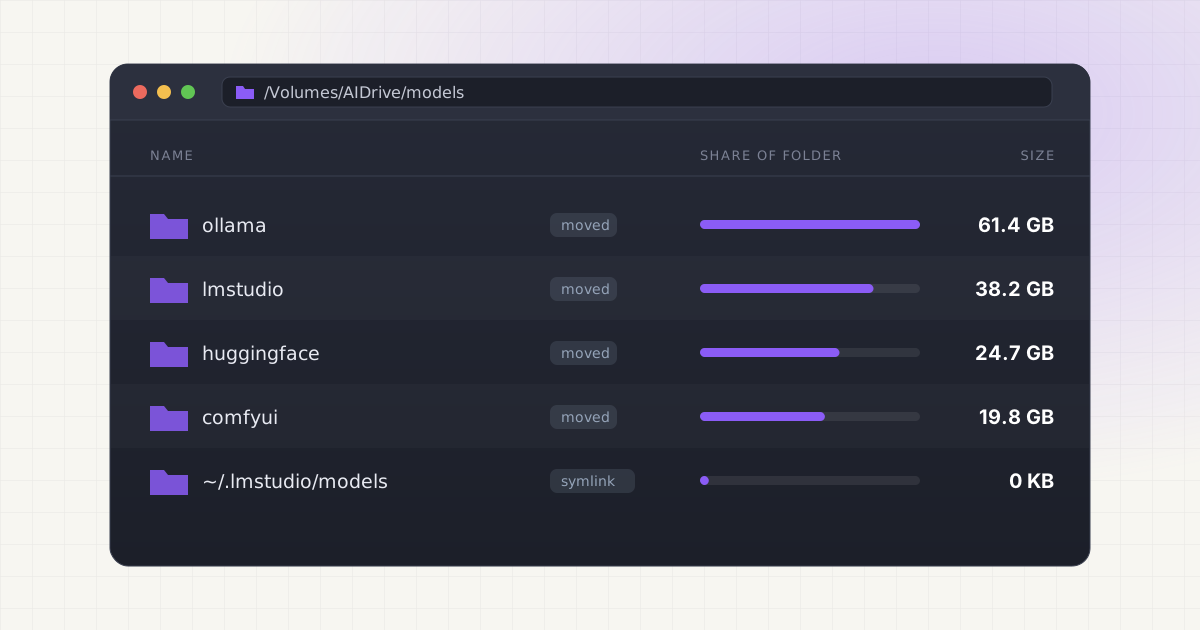
How to Move Ollama, LM Studio and Hugging Face Models to an External Drive on Mac
Move Ollama, LM Studio, Hugging Face and ComfyUI models to an external SSD on Mac: change the models folder setting, or move the files and leave a symlink.
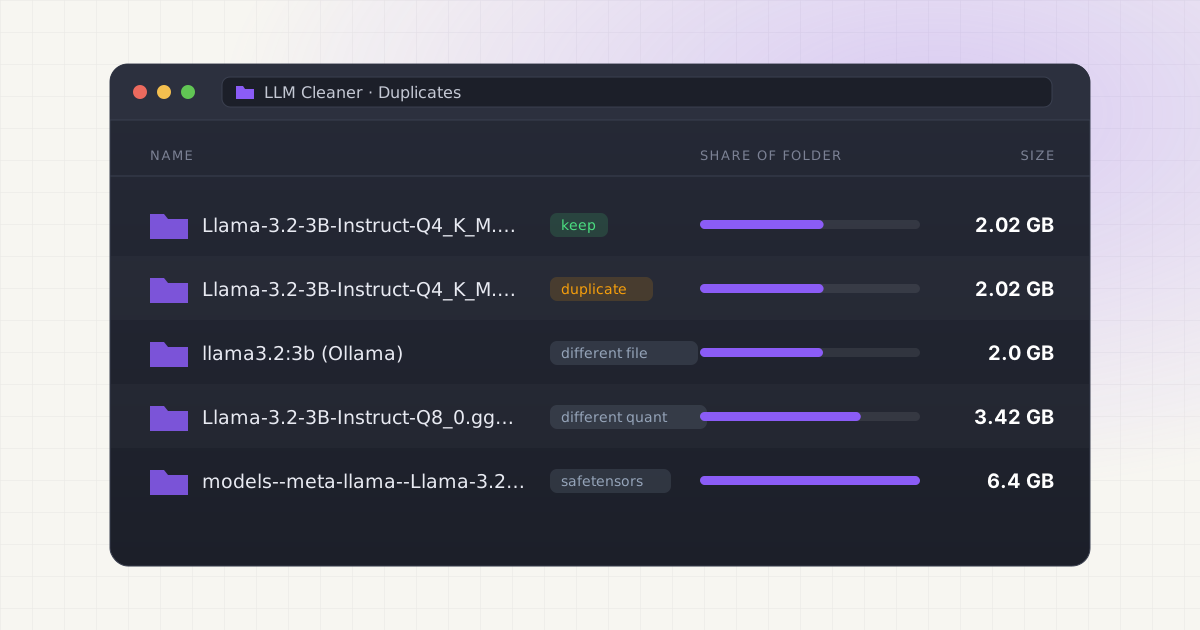
Duplicate AI Models on Mac: The Same Model in Ollama, LM Studio and Hugging Face
Why Ollama, LM Studio and Hugging Face each keep their own copy of a model, how to find true duplicate GGUF files with shasum, and how to share one copy.
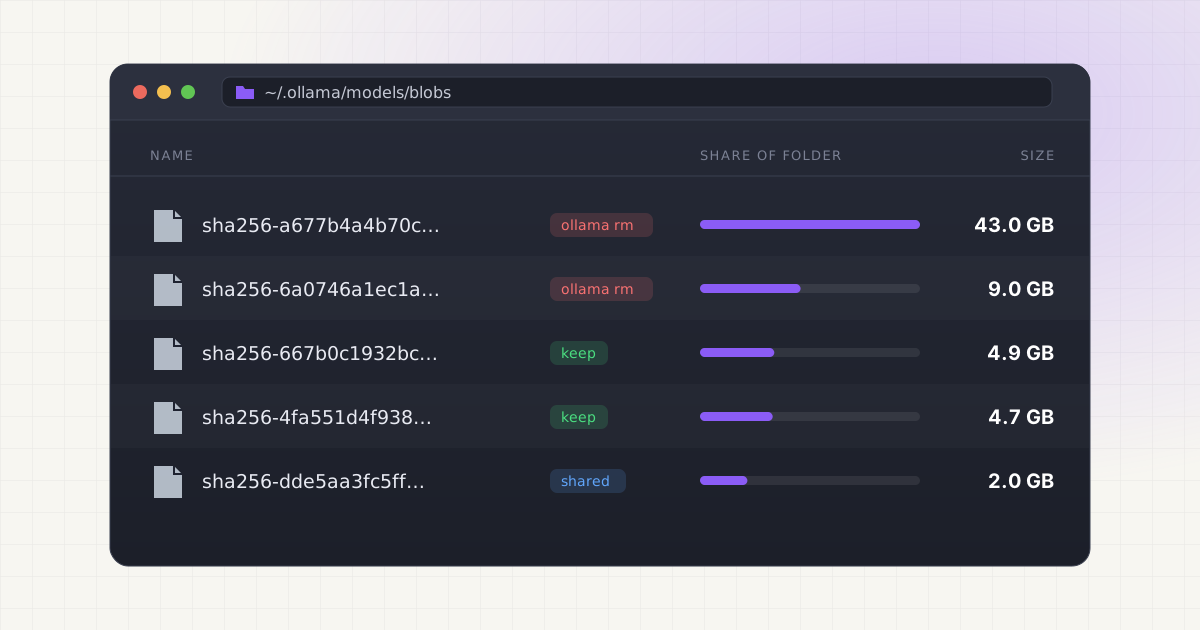
How to Delete Ollama Models on Mac (and Free the Space)
Delete Ollama models on Mac with ollama rm, confirm the space came back, clear orphaned blobs, handle custom OLLAMA_MODELS paths, or uninstall Ollama fully.
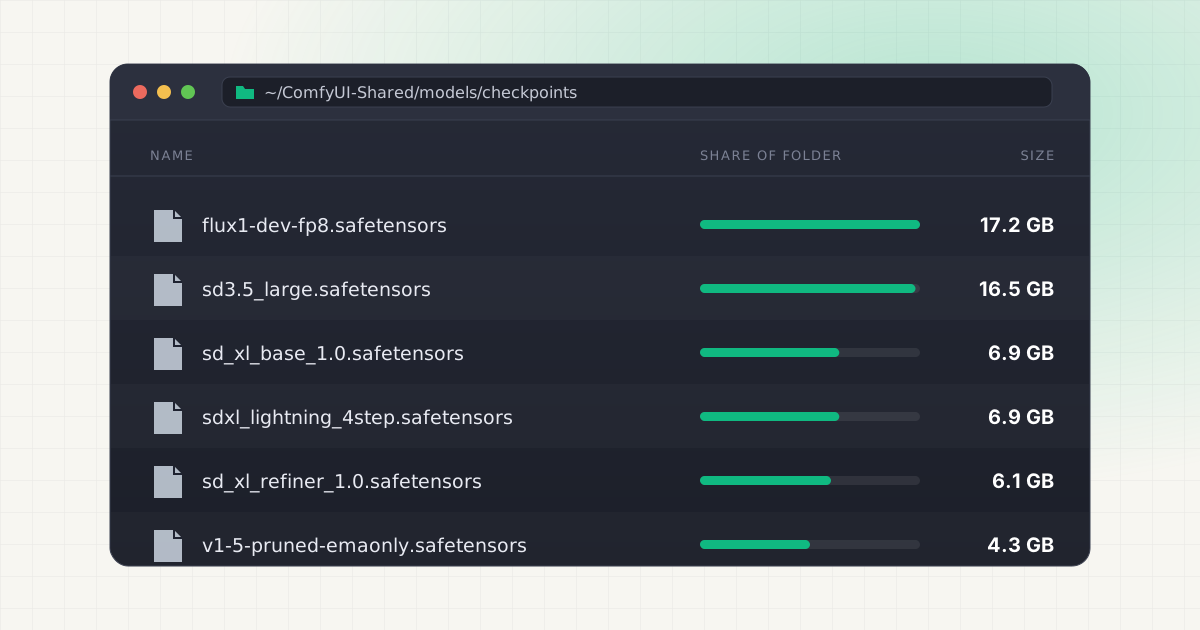
ComfyUI Models Taking Too Much Space on Mac? Checkpoints, LoRAs, VAEs
Where ComfyUI keeps models on Mac, which folders get huge (checkpoints, diffusion_models, text_encoders), and how to share or move them to an external SSD.
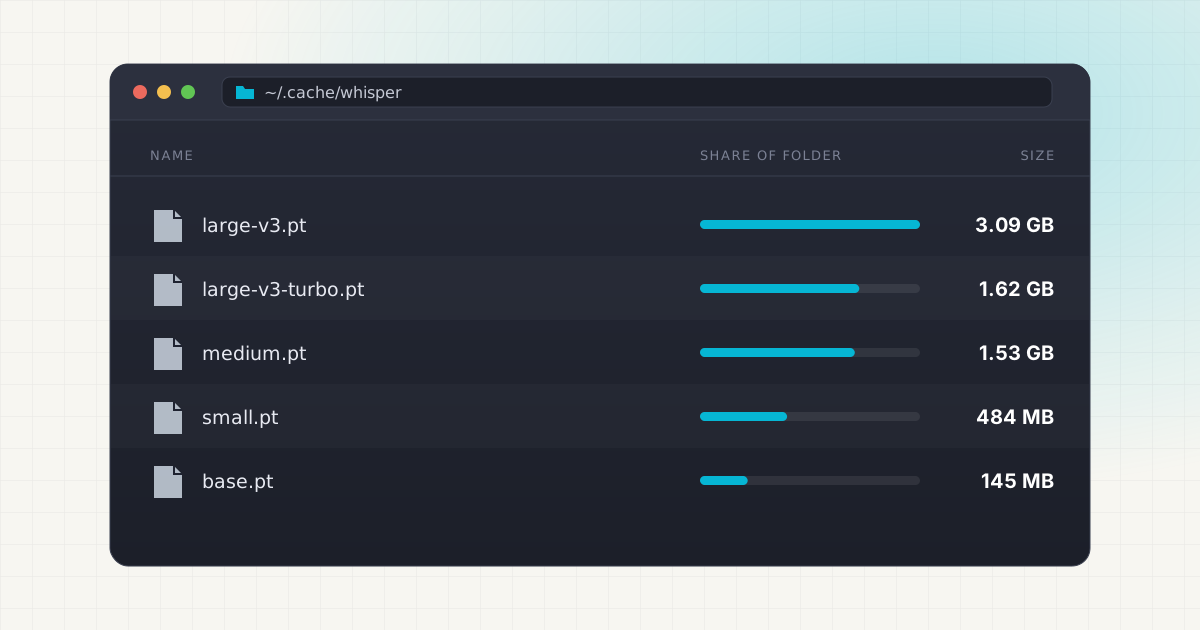
Where Are Whisper Models Stored on Mac?
Whisper models on Mac live in ~/.cache/whisper, whisper.cpp/models, the Hugging Face cache, or an app folder. Find every copy, check sizes, and delete safely.
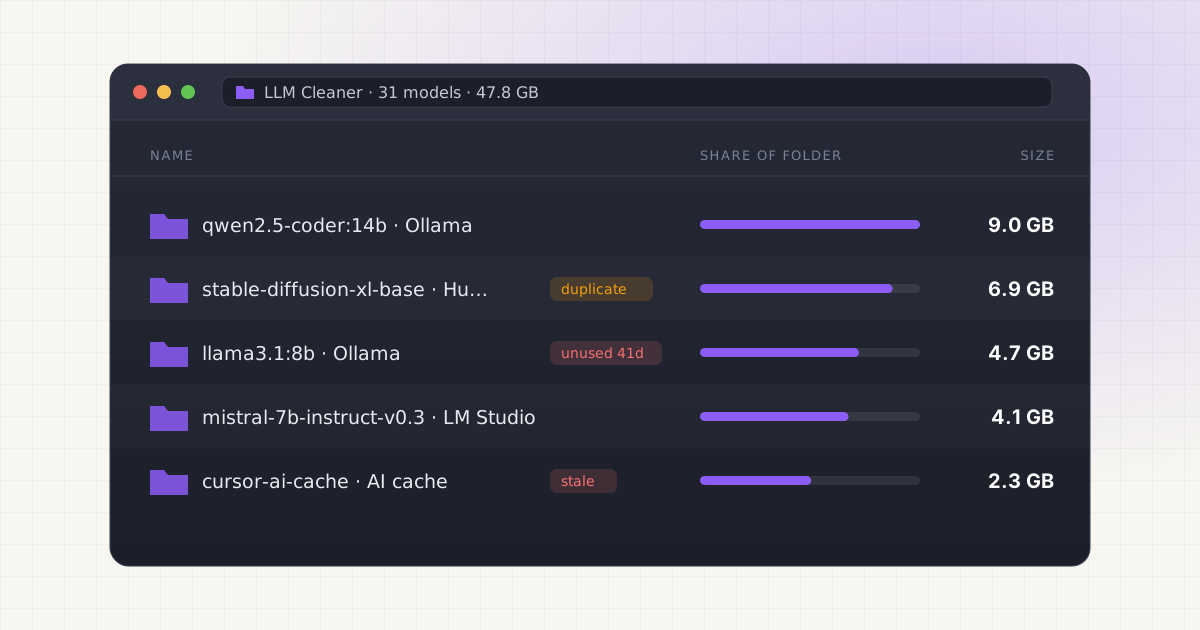
Introducing LLM Cleaner: A Mac App for Cleaning Up Local AI Models
LLM Cleaner is live: a $19 one-time Mac app that finds every local AI model from Ollama, LM Studio, Hugging Face, ComfyUI and coding tools in one scan.
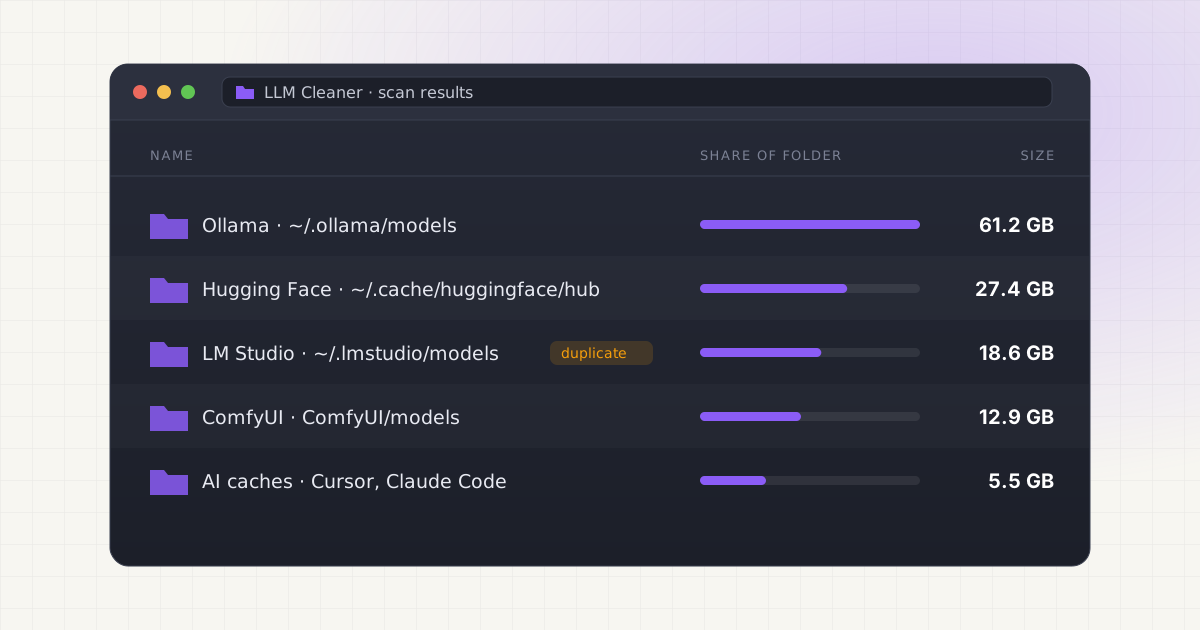
Clean Up Local AI Models on Mac Without Breaking Ollama
Tell rebuildable caches from irreplaceable model weights (often 4-14GB each), spot duplicate files, and delete safely across Ollama, LM Studio and more.
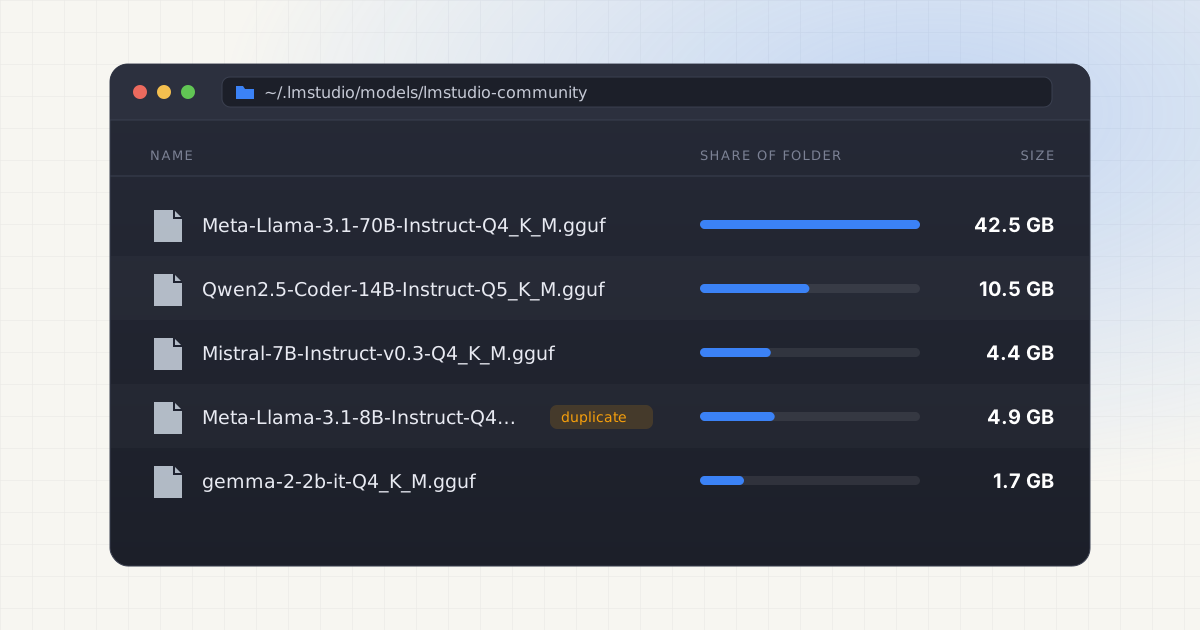
LM Studio Models Taking Too Much Space? Here Is What to Check
LM Studio's GGUF folder can quietly hold 60+ GB: an 8B model alone ranges from 3.2 GB (Q2_K) to 8.5 GB (Q8_0). Here is exactly what to check before deleting.
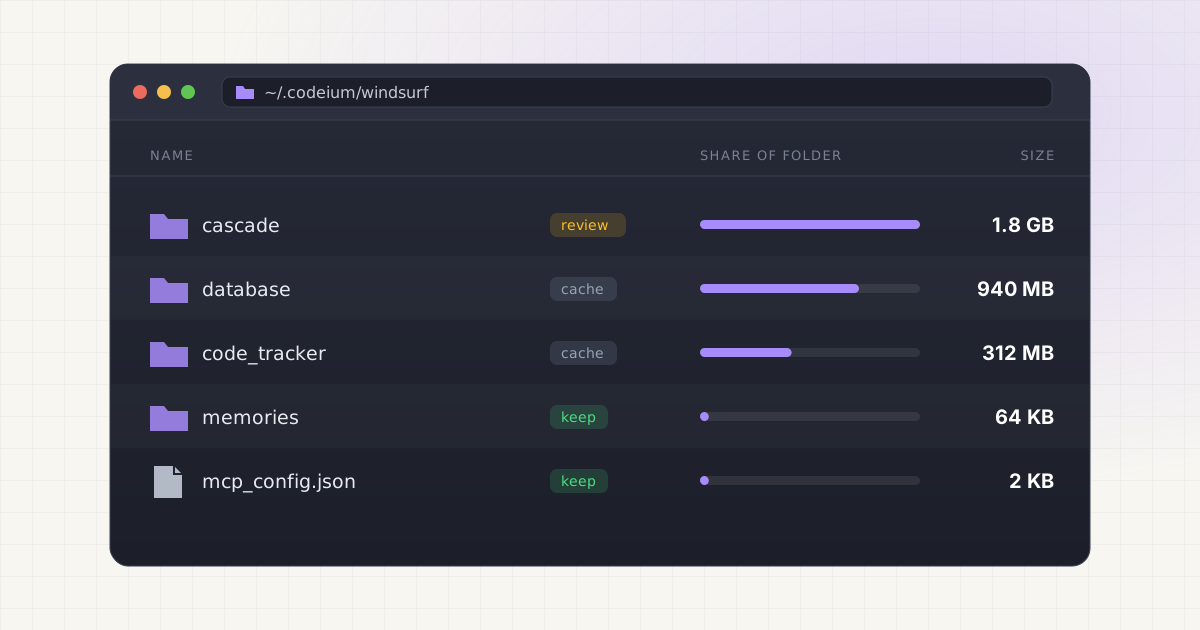
Windsurf / Codeium Cache: Can You Clean It Safely?
Windsurf and Codeium can quietly use over a gigabyte of your Mac's storage across ~/.codeium and Library folders, and none of it is model weight files.
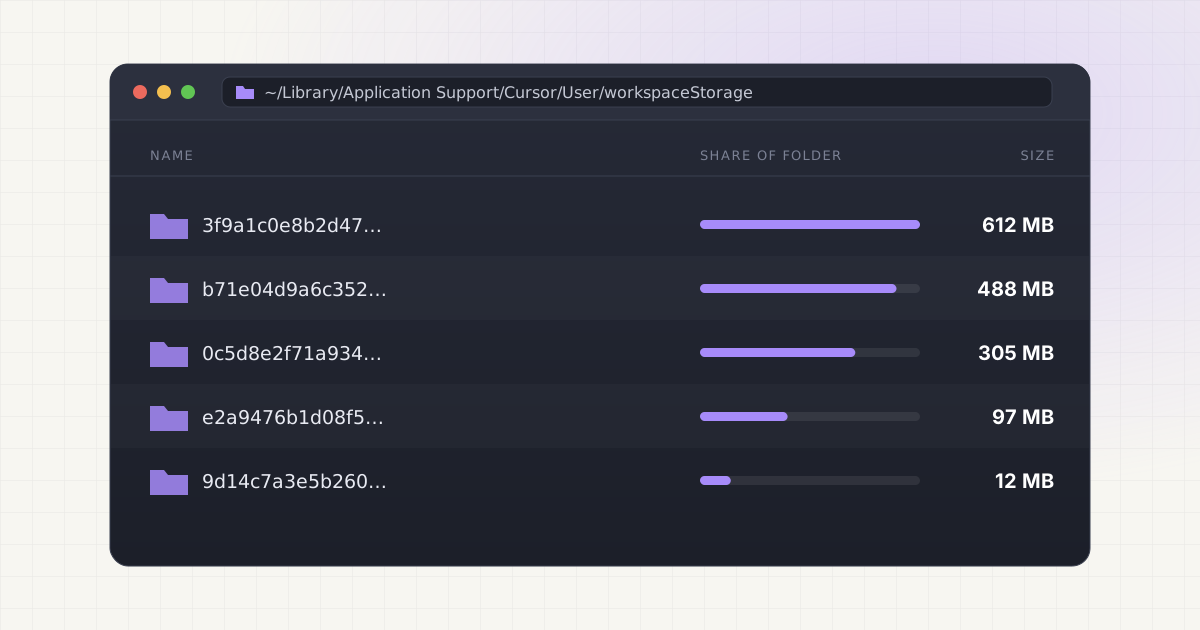
Cursor Workspace Storage: Why So Many Folders?
Cursor keeps a workspaceStorage folder for every project you've ever opened, in ~/Library/Application Support/Cursor/User. Here's what's safe to delete.
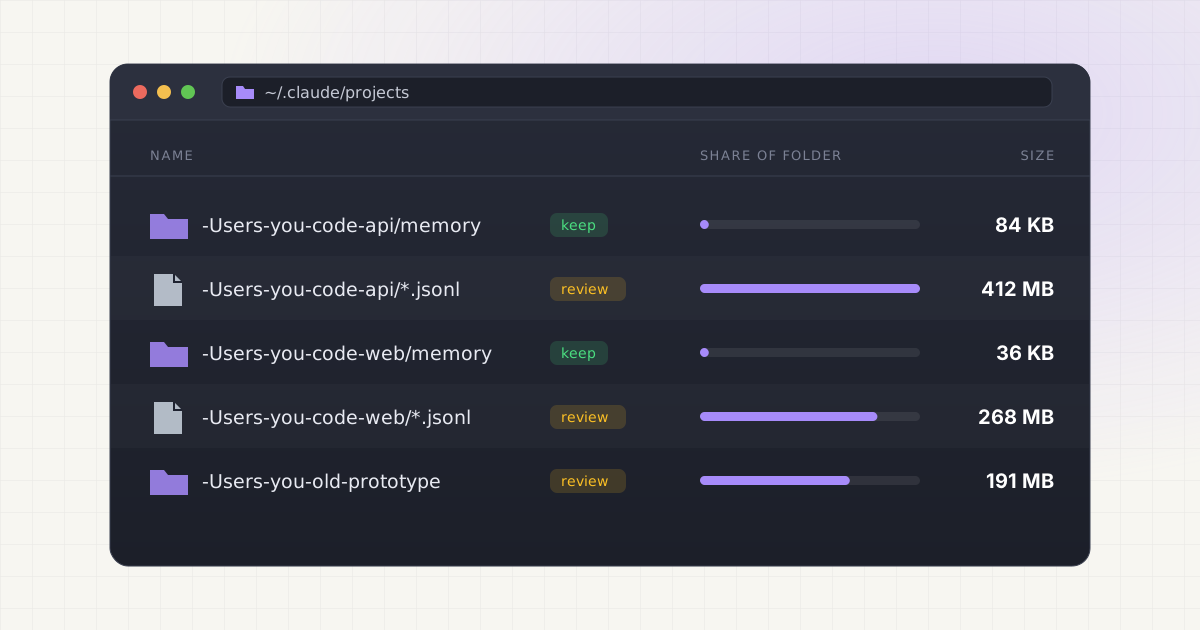
Claude Code Project Memory: What Is Safe to Delete?
Claude Code's auto memory skips the 30-day automatic cleanup sweep entirely. Here is exactly which CLAUDE.md, memory, and session files are safe to delete.
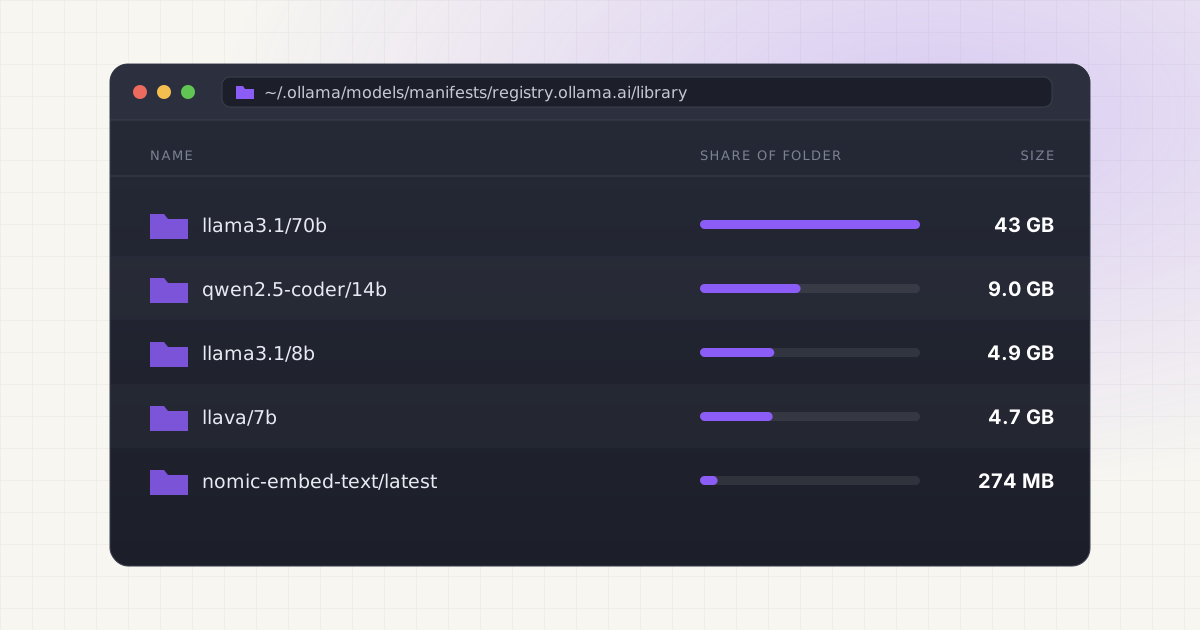
Open Source Agents and Local LLMs: Where Does the Storage Go?
A Llama 3.1 70B model alone runs ~42GB at Q4 quantization. See where the rest of your local agent stack's storage actually goes and how to reclaim it.
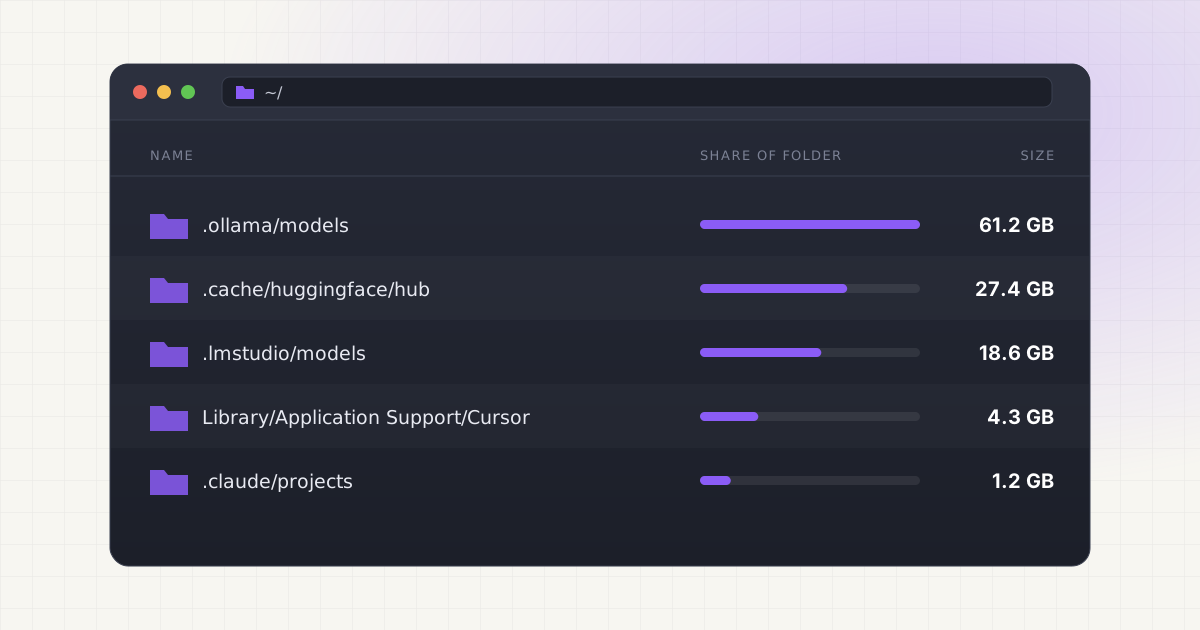
Why Local AI Agents Can Fill Your Mac Storage
Coding agents like Cursor and Claude Code store indexes, logs, and memory beyond model files. Here's what fills your Mac and what's safe to delete.
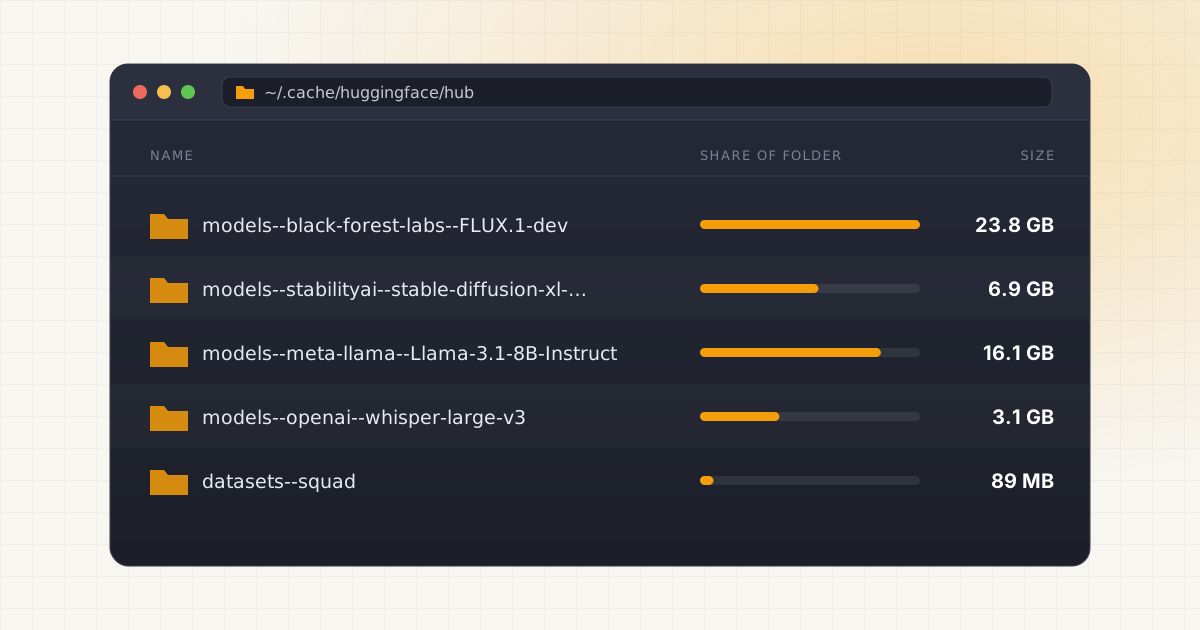
Where Are Hugging Face Models Stored on Mac?
Hugging Face caches models in ~/.cache/huggingface/hub as blobs, snapshots and refs that can quietly pass 50 GB. Here's how to find and clean it safely.
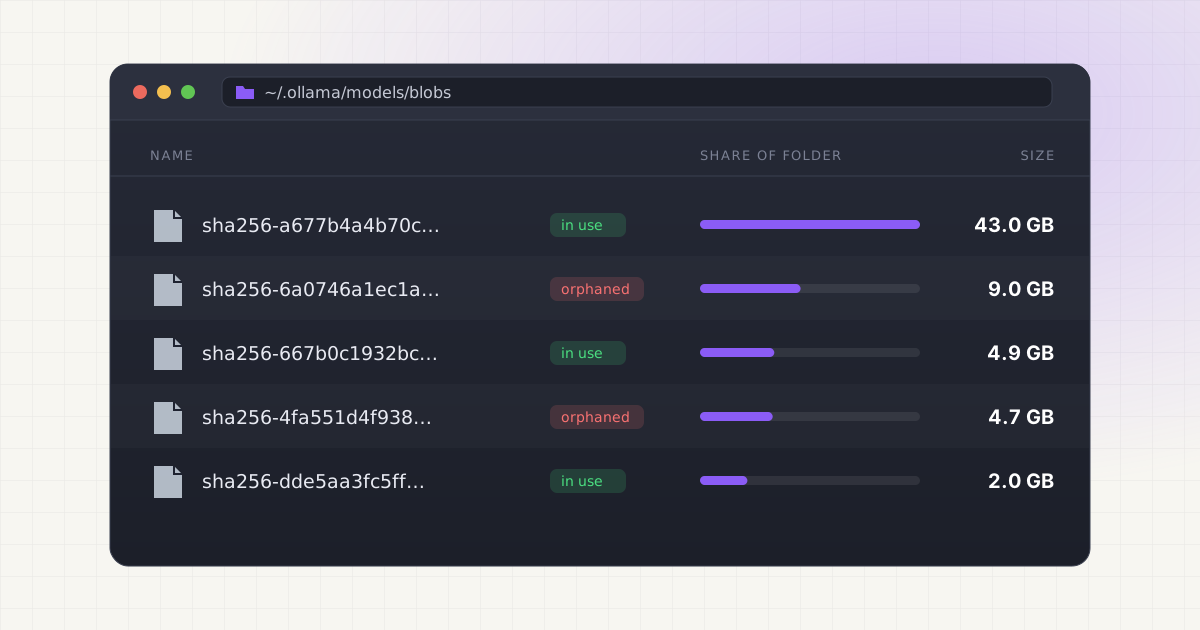
Why Is Ollama Taking So Much Disk Space?
Llama 3.1 8B is 4.9 GB, 70B is 43 GB. See why Ollama models pile up fast, why blobs and manifests make cleanup risky, and how to reclaim space safely.
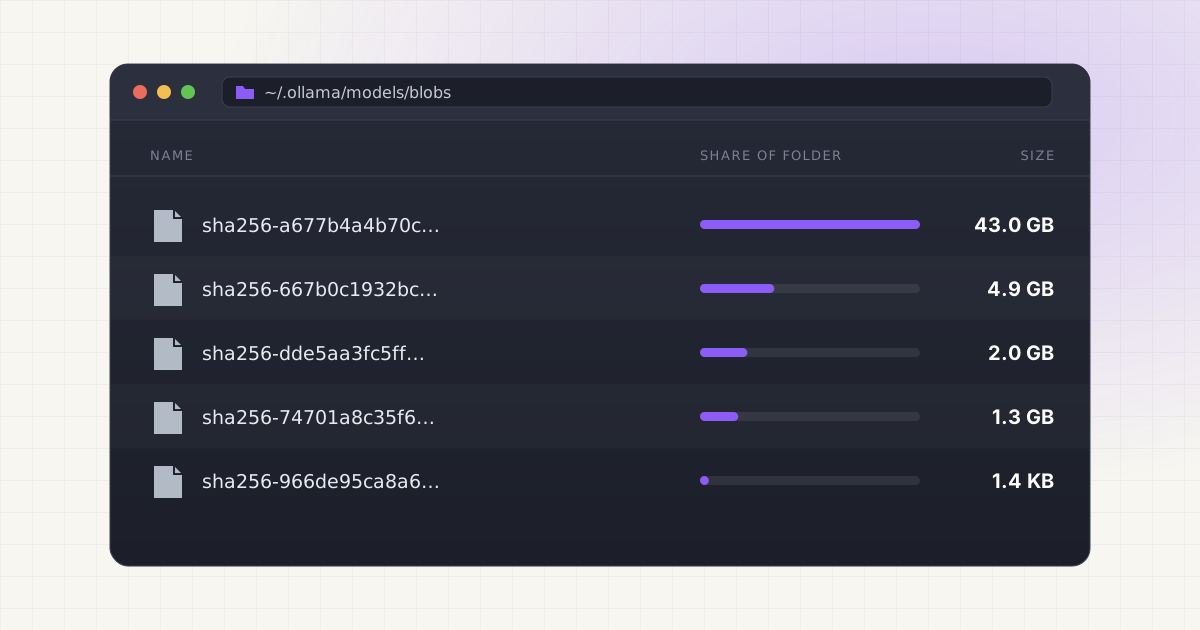
Where Does Ollama Store Models on Mac (and How to Move Them)
Ollama keeps models in ~/.ollama/models as SHA-256 blobs. See how manifests work, how to change the folder with OLLAMA_MODELS, and how to move models safely.